FS#8861 - empty KDE menus
Attached to Project:
Arch Linux
Opened by Luis San Martin (path) - Friday, 07 December 2007, 03:35 GMT
Last edited by Tobias Powalowski (tpowa) - Saturday, 26 January 2008, 15:56 GMT
Opened by Luis San Martin (path) - Friday, 07 December 2007, 03:35 GMT
Last edited by Tobias Powalowski (tpowa) - Saturday, 26 January 2008, 15:56 GMT
|
Details
Description: I've just installed KDE from extra and there's
nothing either in Kcontrol, KDesktop, this is my pacman -Q
output. I have already checked for some files e.g.:
path@wookpad ~ > ls .config/menus/ applications-merged kde-applications-merged kde-screensavers.menu kde-applications.menu kde-information.menu kde-settings.menu run it as root also but didnt work neither. I tried erasing ~/.kde* but didnt fix anything, reinstalling and reboot with no results. http://rafb.net/p/uABKan84.html Additional info: * package version(s) Kde 3.5.8-1 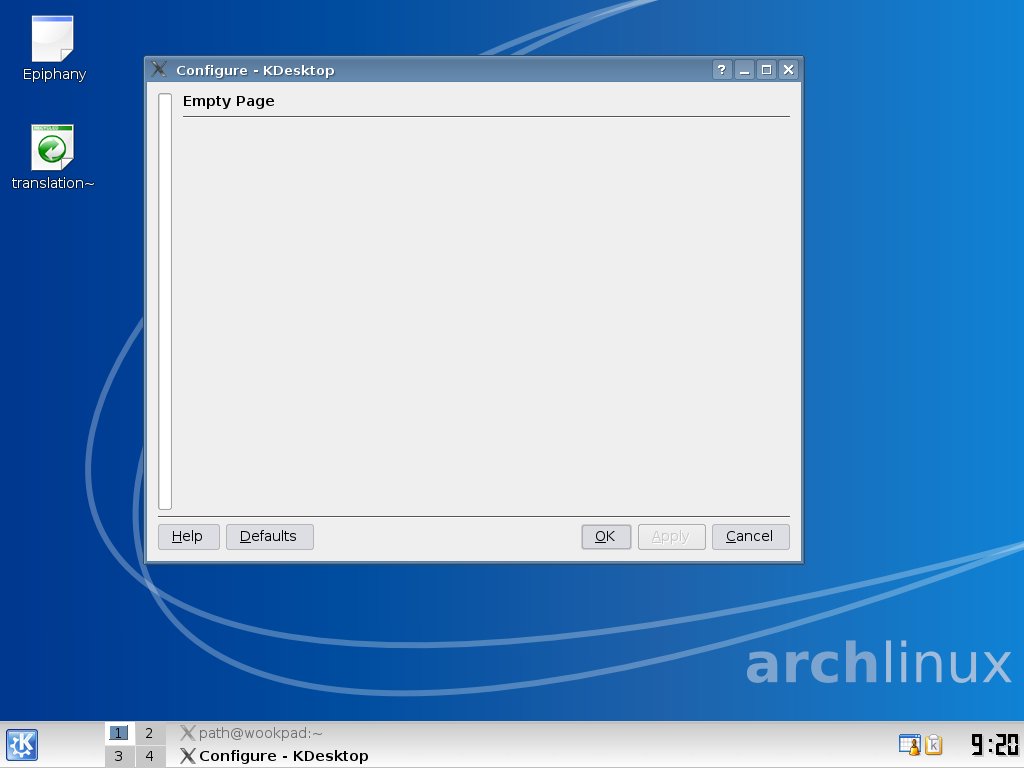 shot.jpg
(52.7 KiB)
shot.jpg
(52.7 KiB)
|

This task depends upon
Closed by Tobias Powalowski (tpowa)
Saturday, 26 January 2008, 15:56 GMT
Reason for closing: Works for me
Saturday, 26 January 2008, 15:56 GMT
Reason for closing: Works for me
or did you use an old user?
cleaning /tmp from kde files might help and /var/tmp
im closing this now with works for me.