FS#60127 - Display error in gnome standard applications with scaling above 100%.
Attached to Project:
Arch Linux
Opened by Marcel Fest (cellebyte) - Wednesday, 19 September 2018, 16:55 GMT
Last edited by Doug Newgard (Scimmia) - Monday, 01 October 2018, 15:05 GMT
Opened by Marcel Fest (cellebyte) - Wednesday, 19 September 2018, 16:55 GMT
Last edited by Doug Newgard (Scimmia) - Monday, 01 October 2018, 15:05 GMT
|
Details
Description:
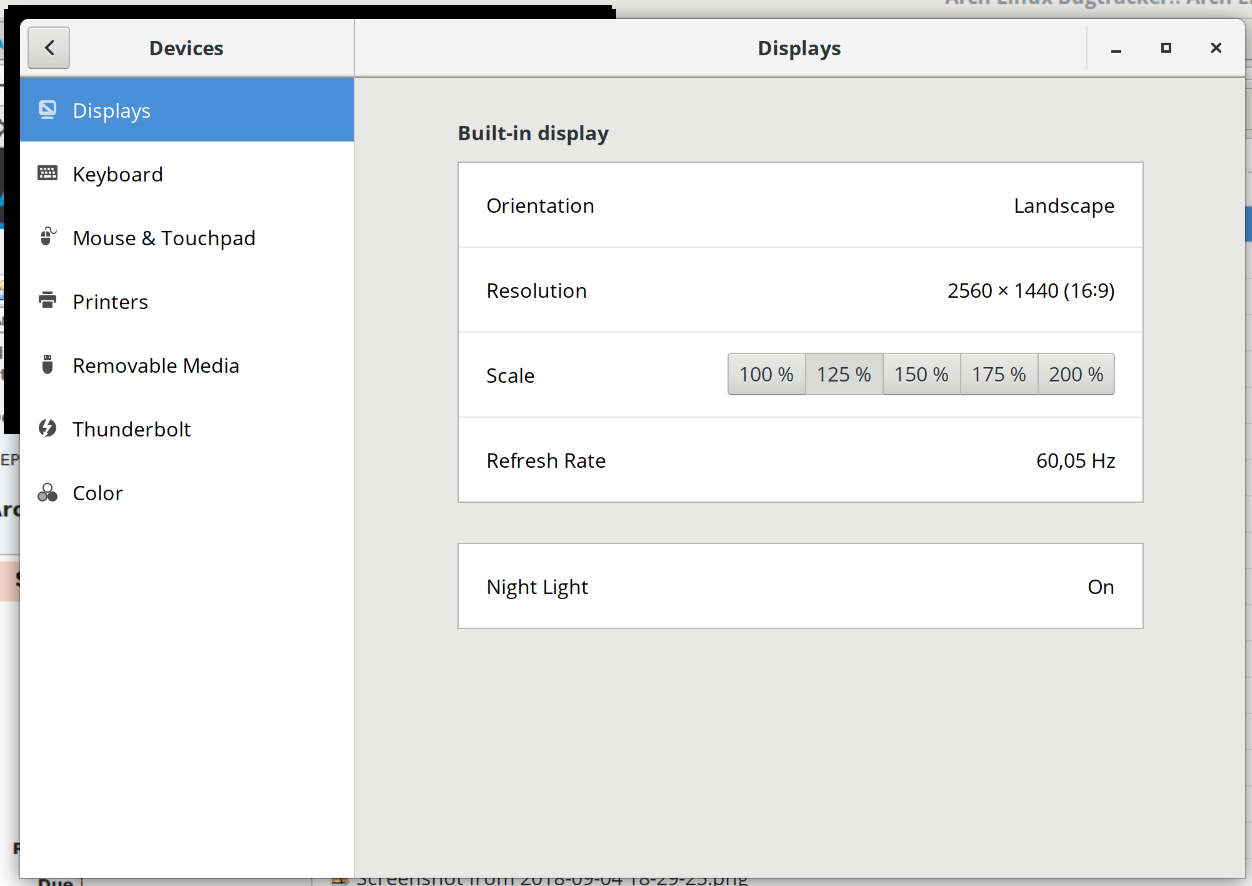
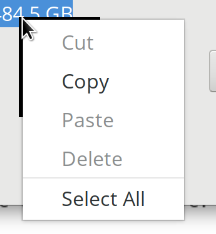
After the upgrade to the newest gnome desktop version 3.30.x I have the following issue. Display error in gnome standard applications with scaling above 100%. Additional info: * gnome Version 3.30.0 * Nothing has changed since the version before. Steps to reproduce: gsettings set org.gnome.mutter experimental-features "['scale-monitor-framebuffer']" Goto gnome-control-center >> Displays >> Scale | 125% Open a gnome-shell or terminal or the settings menu or the context-menu In the top left corner a black bar is displayed. 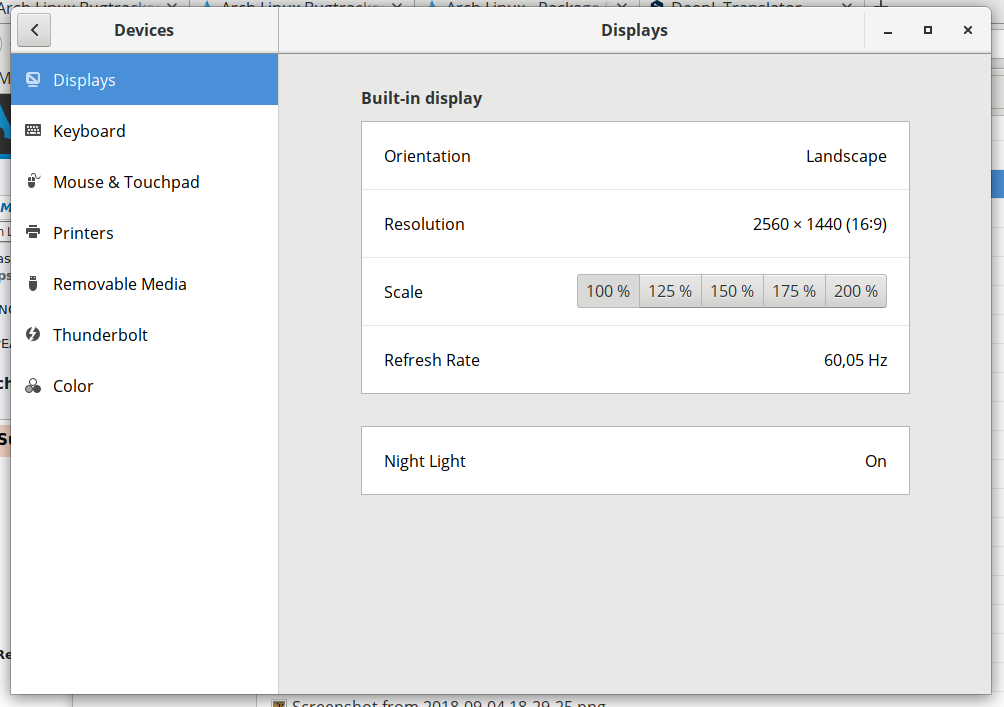 Screenshot from 2018-09-19 18...
(54.7 KiB)
Screenshot from 2018-09-19 18...
(54.7 KiB)
 Screenshot from 2018-09-19 18...
(88.4 KiB)
Screenshot from 2018-09-19 18...
(88.4 KiB)
 Screenshot from 2018-09-19 18...
(11 KiB)
Screenshot from 2018-09-19 18...
(11 KiB)
|

This task depends upon
 Comment by Doug Newgard (Scimmia) -
Thursday, 27 September 2018, 03:47 GMT
Comment by Doug Newgard (Scimmia) -
Thursday, 27 September 2018, 03:47 GMT
So an experimental feature doesn't work? Doesn't sound like a real
bug, let alone a packaging problem.