FS#58130 - [chromium] Error has occurred when screensharing
Attached to Project:
Arch Linux
Opened by Heiko (hschra) - Thursday, 05 April 2018, 19:15 GMT
Last edited by Evangelos Foutras (foutrelis) - Tuesday, 10 April 2018, 00:08 GMT
Opened by Heiko (hschra) - Thursday, 05 April 2018, 19:15 GMT
Last edited by Evangelos Foutras (foutrelis) - Tuesday, 10 April 2018, 00:08 GMT
|
Details
Description:
Additional info: Chromium (chromium) 65.0.3325.181-6 Google Meet Video Conferencing Service Steps to reproduce: Open https://meet.google.com/ Start a new meeting Select "Present now" at right bottom Select "Your entire screen" or "A window" (doesn't matter which) ERROR: "Sorry, an error has occurred when screensharing" => Same procedure works completely fine on Google Chrome 65.0.3325.181. 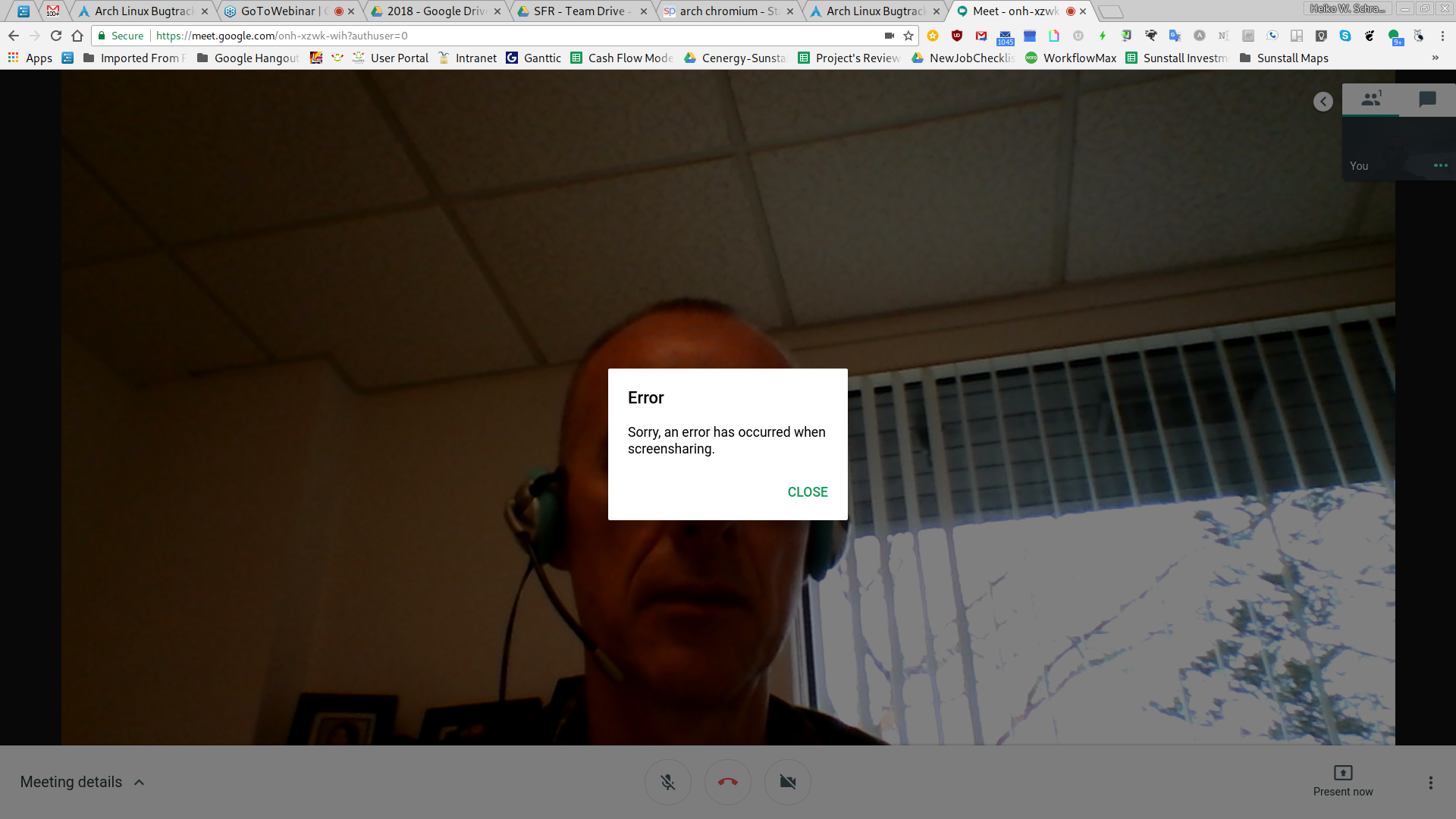 Screenshot from 2018-04-05 12...
(1.06 MiB)
Screenshot from 2018-04-05 12...
(1.06 MiB)
|

This task depends upon
Closed by Evangelos Foutras (foutrelis)
Tuesday, 10 April 2018, 00:08 GMT
Reason for closing: Fixed
Additional comments about closing: chromium 65.0.3325.181-7
Tuesday, 10 April 2018, 00:08 GMT
Reason for closing: Fixed
Additional comments about closing: chromium 65.0.3325.181-7
[1] http://productforums.google.com/d/topic/hangouts/4avNZuQEBwk
I'll add a workaround to our package, but I'm hoping it'll be properly fixed in Meet soon.