FS#17835 - [xorg] Unable to see images from video files using multi head (dual screen) configuration
Attached to Project:
Arch Linux
Opened by Rodrigo Grumiche Silva (grumiche) - Thursday, 14 January 2010, 17:28 GMT
Last edited by Jan de Groot (JGC) - Wednesday, 18 August 2010, 21:24 GMT
Opened by Rodrigo Grumiche Silva (grumiche) - Thursday, 14 January 2010, 17:28 GMT
Last edited by Jan de Groot (JGC) - Wednesday, 18 August 2010, 21:24 GMT
|
Details
Description:
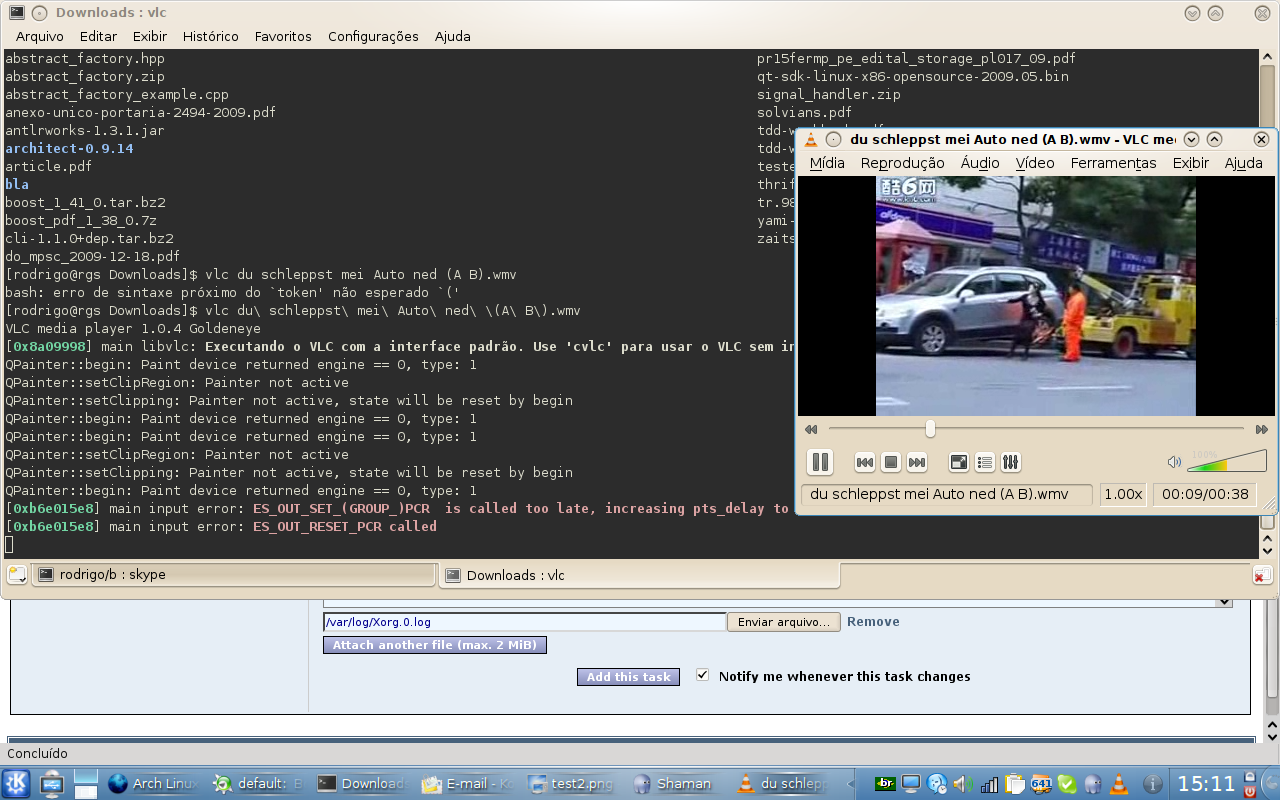
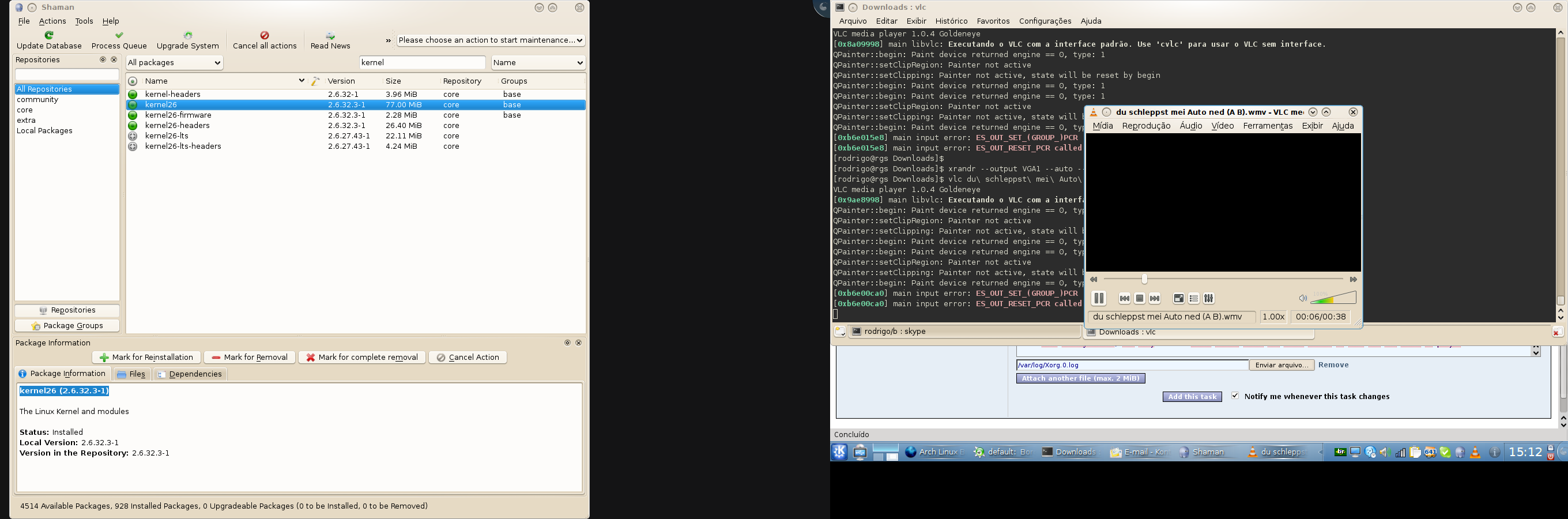
After setting up with xrandr command a multi-head configuration with two displays (LCD + VGA Output) on my notebook, I'm unable to see the images from any video file that I try to watch but I listen the sound. The video players only show a black screen where images from the video should be displayed. I tested this with VLC player, MPlayer and Dragon Player (KDE) and all of them exibits the same behavior. Skype suffers a similar problem: it doesn't show the images captured by the webcam with a multi-head configuration. After disabling multi-head configuration, the players show the image from the videos and Skype works too. My notebook especification: Acer Aspire 5610 GPU: GMA 945 CPU: Intel Core Duo T2300 1.6GHz LCD resolution (LVDS1): 1280x800 External Display (VGA1): 1440x900 Additional info: * package version(s) * config and/or log files etc. xorg-server 1.7.3.902-1 intel-dri 7.7 xf86-video-intel (2.9.1-1) kernel26 (2.6.32.3-1) Attached is the X.org.0.log Steps to reproduce: #images are displayed vlc video.wmv xrandr --output VGA1 --auto --left-of LVDS1 #black image vlc video.wmv xrandr --output VGA1 --off #images are displayed again vlc video.wmv Before enabling and after disabling the multi-head configuration, vlc plays the video.With multi-head configuration active, vlc only shows a black screen where the video should be seen but the sound is played. It appears to be a X.org problem. Please, apologize for my bad english. Thanks Rodrigo |

 Xorg.0.log
 test1.png
 test2.png
This task depends upon
Closed by Jan de Groot (JGC)
Wednesday, 18 August 2010, 21:24 GMT
Reason for closing: Fixed
Additional comments about closing: fixed in recent drivers.
Wednesday, 18 August 2010, 21:24 GMT
Reason for closing: Fixed
Additional comments about closing: fixed in recent drivers.
 Comment by
Rodrigo Grumiche Silva (grumiche) -
Thursday, 14 January 2010, 17:38 GMT
Comment by
Rodrigo Grumiche Silva (grumiche) -
Thursday, 14 January 2010, 17:38 GMT
More information: flash videos inside web browsers - flash plugin
- are displayed correctly.
Comment by Jan de Groot (JGC) -
Tuesday, 09 February 2010, 23:34 GMT
945G has a display size limitation of 2048x2048 in hardware. The
2.9.x driver fixes this in software, but XV is not working in that
case. You can play video when you turn off XV in your media
player. Upgrading to the xf86-video-intel driver in testing could
work out, but that driver isn't stable.